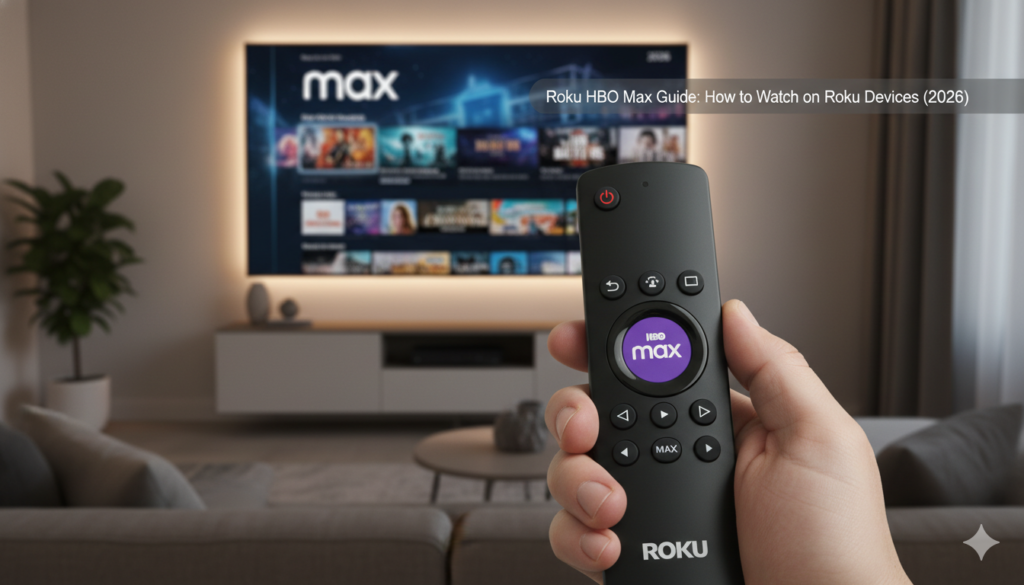

Streaming your favorite movies should be simple and fun. If you want to watch Roku HBO Max (now known simply as Max), you are in the right place. Many people love using Roku because the interface is very clean. It makes finding the Max app a breeze. Whether you have a Roku Stick, a Premiere, or a built-in Roku TV, the process is almost the same. I remember the first time I set mine up; I was worried about technical glitches, but it only took a few minutes. You just need a solid internet connection and your remote handy. In this guide, we will walk through every single step to ensure you never miss an episode of your favorite series.
How to Install the Max App on Your Roku
Adding the Roku HBO Max app to your home screen is the first step to entertainment. First, press the Home button on your Roku remote to get to the main menu. Scroll down to “Search” and type in “Max” or “HBO Max.” When the app appears in the results, select it and click “Add Channel.” Your Roku will take a moment to download the software. Once it finishes, you can move the app icon to the top of your list for easy access. It is always a good idea to keep your most-used apps right at the top. This saves you from scrolling through dozens of channels every time you sit down to relax after a long day.
Setting Up Your Subscription and Sign-In
Once the app is installed, you need to sign in to start watching. Open the Roku HBO Max channel from your home screen. You will see an option to “Sign In” or “Start a Free Trial” if you are a new user. If you already have an account through a cable provider, choose the “Connect Provider” option. A code will appear on your TV screen. You then go to the website shown on your phone or computer to enter that code. This links your Roku to your subscription safely. I find this method much faster than typing a long email address and password using the tiny on-screen keyboard. It keeps your account secure and gets you to the movies faster.
Essential Features of Roku HBO Max
| Feature | Description | Why You Need It |
| 4K Streaming | Crystal clear picture quality | Best for big-screen Roku TVs |
| Multiple Profiles | Up to 5 different user profiles | Keeps your “Continue Watching” list private |
| Downloads | Watch offline on mobile devices | Perfect for travel or slow internet |
| Kids Mode | Safety filters for younger viewers | Keeps the little ones in a safe zone |
| Watchlist | Save shows to watch later | Never forget a recommendation from a friend |
Why Your Roku HBO Max Might Buffer
Sometimes, you might see a spinning circle while trying to watch a show. This is called buffering. It usually happens if your Wi-Fi signal is weak or if too many people are using the internet at once. To fix Roku HBO Max lag, try moving your router closer to your TV. You can also restart your Roku device by going to Settings, then System, and then System Restart. This clears out old data that might be slowing things down. A fresh start often solves 90% of streaming problems instantly. It is a simple trick that professional tech support teams always suggest first.
Finding the Best Content on Max
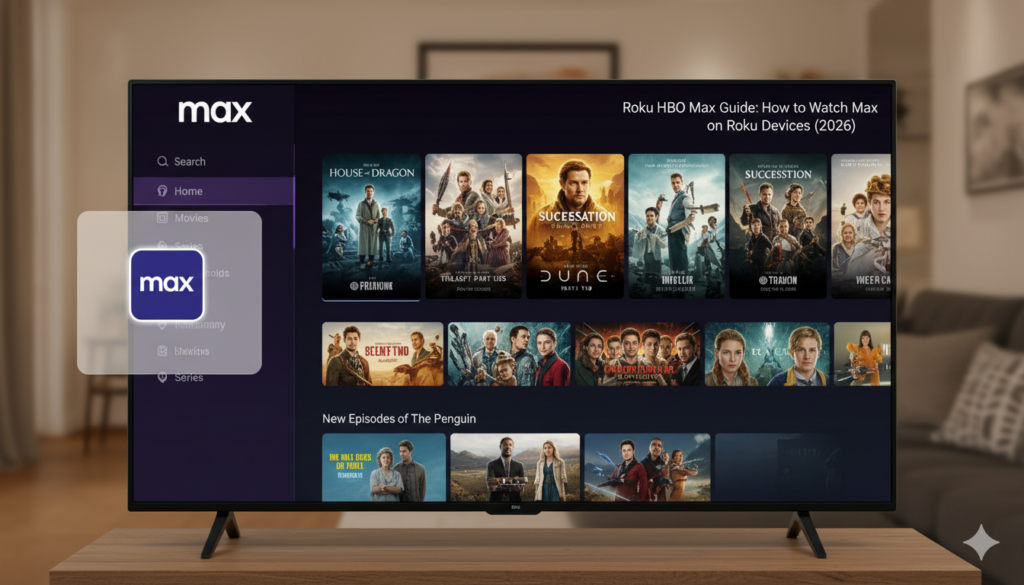
The library on Roku HBO Max is massive and full of hits. You can find everything from huge superhero movies to deep documentaries about nature. If you love drama, look for the “HBO Originals” section. These are high-quality shows that people talk about at the office. If you have kids, the “Animation” hub is filled with classic cartoons and new hits. Exploring the different hubs is the best way to find hidden gems. I often spend ten minutes just browsing the “Recently Added” section to see what is new. There is always something fresh to watch every single week.
Updating Your Roku Software for Better Performance
To keep Roku HBO Max running smoothly, your device needs the latest updates. Roku usually updates itself at night, but you can check manually. Go to Settings, click on System, and then choose System Update. If an update is available, let it install and restart. This ensures the Max app works perfectly with your TV’s hardware. New updates often fix bugs that caused the app to crash or freeze in the past. Staying updated is like giving your TV a quick tune-up. It keeps the colors bright and the sound sharp for your next movie night.
Managing Your Account and Billing
If you need to change your payment plan for Roku HBO Max, you can do it online. Most people pay through their Roku account directly. This makes it easy to see all your subscriptions in one place. You can log into your account at the Roku website to see when your next bill is due. If you ever need to cancel, you can do it right from the “Manage Subscriptions” menu. It is very transparent and fair. Being in control of your spending is important. Always check if there are yearly deals available, as they often save you a bit of money compared to paying every month.
Using the Roku Mobile App as a Remote
Did you know you can control Roku HBO Max with your smartphone? Download the free Roku app on your phone. It connects to your TV over Wi-Fi. This is great because you can use your phone’s keyboard to search for movie titles. No more clicking arrows on a plastic remote! The app also has a “Private Listening” feature. You can plug headphones into your phone and hear the TV audio through them. This is perfect if you want to watch a loud action movie while others in the house are sleeping. It is a total game-changer for late-night binge-watching.
Troubleshooting Common App Crashes
If your Roku HBO Max app closes suddenly, don’t worry. This is usually just a small software glitch. Try deleting the app and then reinstalling it. Highlight the Max icon on your home screen, press the asterisk (*) button, and select “Remove Channel.” After it is gone, go back to the Store and add it again. This gives you a clean version of the app. Also, check if your Roku has enough storage space. Deleting apps you don’t use anymore can help the ones you do use run much faster. It’s like cleaning out a cluttered closet.
Improving Your Picture Quality on Roku
To get the most out of Roku HBO Max, check your display settings. If you have a 4K TV, make sure your Roku is set to “Automatic” or “4K” in the Display Type menu. Use a high-speed HDMI cable for the best connection. Some shows on Max support Dolby Vision or HDR. These settings make the colors look much more realistic and the blacks look deeper. When you watch a movie with the right settings, it feels like you are in a cinema. Take five minutes to peek at your settings; your eyes will definitely thank you for the extra effort.
Frequently Asked Questions
Is HBO Max the same as Max on Roku?
Yes, HBO Max changed its name to Max. On your Roku, the app icon might just say “Max” now. All your old movies and shows are still there, plus even more content from Discovery.
Can I watch Roku HBO Max for free?
The app is free to download, but you need a paid subscription to watch the content. Sometimes, they offer free episodes or trial periods for new users to test the service.
How many people can watch at once?
Usually, you can stream on two or three devices at the same time. This depends on which subscription plan you chose when you signed up for your account.
Why is the Max app missing from my Roku?
If you cannot find it, your Roku might be an older model that does not support the latest apps. Check your model number in the Settings menu to see if it is compatible.
Does Roku HBO Max have commercials?
There is a cheaper plan that includes short commercials. If you want to watch without any interruptions, you can upgrade to the “Ad-Free” or “Ultimate Ad-Free” plan.
How do I turn on subtitles?
While a movie is playing, press the Star (*) button on your remote. Navigate to “Closed Captioning” and turn it to “On.” You can also change the language and text size here.
Conclusion: Start Your Streaming Adventure
Setting up Roku HBO Max is a great way to upgrade your home entertainment. It brings thousands of hours of stories right to your living room. By following the steps in this guide, you can fix common issues and find the best settings for your TV. Remember to keep your software updated and check your internet speed if things get slow. Streaming should be a relaxng experience, not a stressful one. Now that you are an expert on using the Max app, grab some popcorn and find a great movie to enjoy tonight. What will you be watching first? Enjoy the show!
Read More: MangaDistrict